
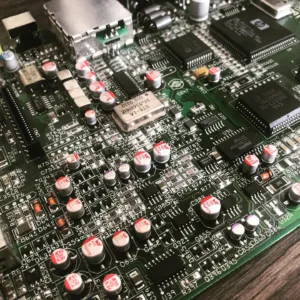
Amiga CD32 Recapping Service (PREMIUM)
Amiga CD32 recapping service using polymer capacitors (these never leak again!), all board revisions. NOTE this is NOT a repair service.
- Check of the board before recapping is begun.
- Removal of existing capacitors (both SMD and radial capacitors).
- Clean-up and preparation of area.
- Replace using Panasonic/Wurth/KEMET capacitors. NOTE: Rev 3 board capacitors C408 and C411 installed correctly.
- Retest (Video, Audio).
Overseas recapping orders
Overseas orders are very welcome and we are able to provide you return shipping costs at the checkout.
To do this add any of our recapping services to your shopping basket and then at the checkout simply fill in the billing and shipping form including your telephone and email address (important) and click the ‘Request a quote‘ link.
You will receive an email within 24hrs with the shipping cost and you can then proceed with the order by clicking on the ‘Complete your order‘ within the email. There is no need to leave the checkout page open your web browser.
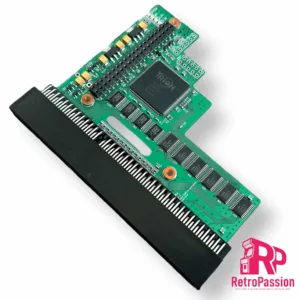
PiStorm32 Lite for Amiga A1200 Adaptor Only
PiStorm32 Lite Adaptor for the Amiga A1200 is designed to connect one of the Raspberry Pi’s listed below (not included)
NOTE: We do sell a plug and play package here which includes PiStorm32-Lite, Raspberry Pi 3A & SD Card.
Once you add your own Raspberry Pi, setup an SD card and plug it in the trapdoor of the A1200 like all A1200 accelerators (TF1230 or TF1260) you will have an accelerated Amiga 1200!
Compatible Rasperry Pi’s:
- Raspberry Pi 3A
- Raspbery Pi 3B
- Raspberry Pi 4B
Want to know more about the PiStorm check out the following link: https://github.com/PiStorm/pistorm32-lite-hardware
Compatible Rasperry Pi’s:
- Raspberry Pi 3A
- Raspbery Pi 3B
- Raspberry Pi 4B
With the Pistorm32-lite the A1200 can go up to a 68040 and using a Pi4 you could see 2000 Plus Mips!
Want to know more about the PiStorm check out the following link: https://github.com/PiStorm/pistorm32-lite-hardware
The PiStorm adaptors are professionally manufactured. and a contribution to the developer is made to support this project.
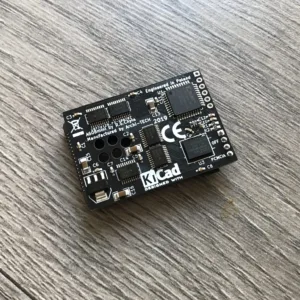
Amiga A600 8Mb Fast Ram PCMCIA switchable
Amiga A600 8Mb Fast Ram Card is PCMCIA switchable using a physical jumper to switch from 8Mb to 4Mb Perfect for WHDLoad, Its tiny size makes it the smallest 8Mb fast ram card for the Amiga 600.
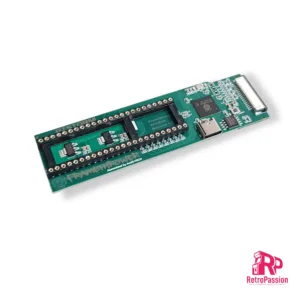
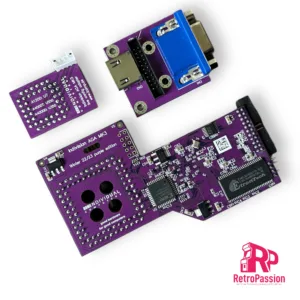
FrameThrower PiStorm for Amiga A500
FrameThrower PiStorm for the Amiga A500 is an adapter that allows the Amiga 500 to output Retargetable Graphics (RTG) desktop like displayed from AmiKit and native Amiga screen modes (essential for playing classic games from floppy disk or WHDLoad) to a single modern HDMI output.
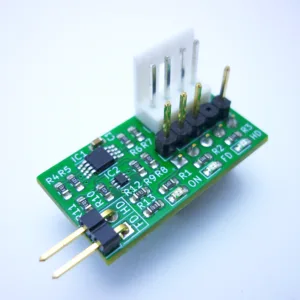
Amiga A1200 HDISK/FDISK LED Adapter
Amiga A1200 HDISK/FDISK LED adapter provides 2 separate inputs to show the activity of extra internal devices using the original LED module on the Amiga 1200 LED panel.
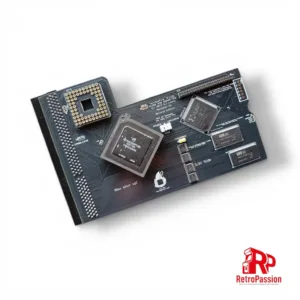
TF1232 Amiga A1200 Accelerator
TF1232 Amiga A1200 accelerator hosts a 68030 processor running at 50Mhz coupled with 128mb of fast ram.
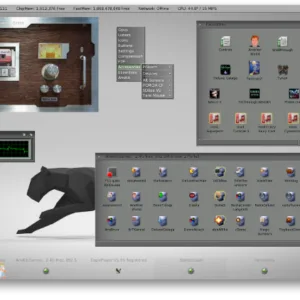
AmiKIT PiStorm and Pistorm32 (RPi 3A+, CM4 and RPi4 B)
AmiKit Pistorm and PiStorm32 is a pre-installed full workbench environment for the Commodore Amiga A500 A500 Plus, A600, A1200 and A2000 equipped with a Pistorm A500, Pistorm A600, PiStorm32-Lite or PiStorm32-Lite CM4.
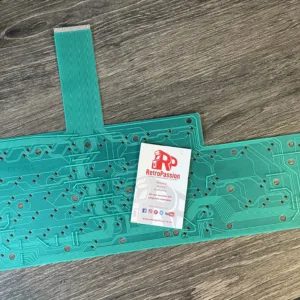
Amiga A1200 Keyboard Membrane (New)
Amiga A1200 keyboard membrane brand new. These are for all original A1200 keyboards.
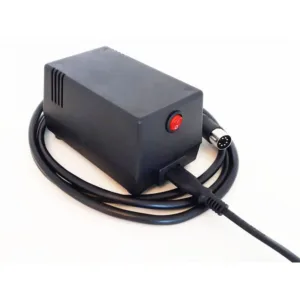
Commodore C64 PSU (NEW) Breadbin and C64C
Commodore C64 PSU for the C64 Breadbin and C64C, these are brand new and modern with It’s 20 watt of total combined output power and 2x smaller in dimensions & weight.
Key features:
- Commodore C64 “breadbox”, C64C, C64D & VIC20 compatible
- Stabilized & filtered 5VDC now upgraded to 4.0A output (20W)!
- 9VAC up to 1.11A (10VA) output by real heavy duty trafo (new model, now voltage matches the original!)
- Carefully calibrated for C64 reference load (fixed version)
- 5VDC voltage fine tuning feature available with Adjust & Protect Module option.
- Multiple active & passive over current and over voltage protections
- Fully isolated, fused on AC and DC side
- Power On/Off switch
- Status LED
- Long output cable (1.8m) with round DIN 7-pin plug
- Detachable input AC cable for UK and EU (cable included)
- Fixed input AC cable for USA and AU versions
- Weight only 0.6 KG (2x less than original)
- Runs COLD!
- UK Stock
Warning!
Risk of electrical shock and energy hazard when opened. All failures should be examined by a qualified technicians only. Risk of fire or electrical shock. The ventilation holes should be protected from foreign objects or dripping liquids. Please do not install power supplies in places with high ambient temperature or close to the heat source. Enclosed power supplies are intent to work in indoor locations, it’s not allowed to use power supplies outdoor, in dust or high moisture. Output current and output wattage must not exceed the rated values.
This replacement Commodore C64 PSU has been designed for Commodore C64 “breadbox”, C64C, C64D & VIC20 vintage computer systems only and should be considered as an integral component of Amiga computer system. Do not connect to any other devices as it’s not a general purpose PSU. Manufacturer is not responsible for any consequences of unauthorised or arbitrary repairs, modifications or incorrect usage. Please notice that new, properly working replacement Amiga PSU is reducing the system’s potential fail rate but still is not guaranteeing that entire Amiga system will work correctly (it’s >30 years old).
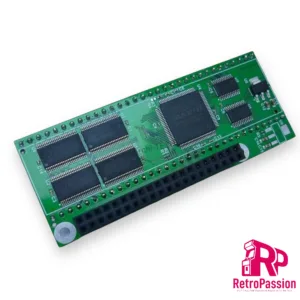
PiStorm Adaptor Amiga A500 – A500 Plus
PiStorm Adaptor is designed to connect to the Raspberry Pi 3A + (not included but available as an option below). Placed in the DIP64 (CPU) socket of your Amiga A500, A500 Plus or A2000 in conjunction with the Raspberry Pi, it can emulate the operation of the 68020/68030/68040 processor. The software running on PiOS greatly extends the functionality of the Amiga – adding FAST memory, RTG (graphics card) and a network card. PiStorm is designed for Amiga computers (A500 / A500 Plus / A1500 / A2000), but should work with any 16-bit computer equipped with a 68000 CPU socket (FC adapter lines are not currently used / supported by firmware and cannot be guaranteed to work properly on systems with use them). Overall performance with the current use of “Musashi” as a 68k processor emulator is around 70-80 MHz 68030.
This adapter requires:
- Raspberry Pi model 3A
- 32Gb SD Card configured to boot in to WB
All available as an option below
Want to know more about the PiStorm check out the following link: https://github.com/captain-amygdala/pistorm
NOTE: This is a community project and will require some knowledge Amiga. We DO NOT provide any support for getting this product running, but support is available via the following Discord channel https://discord.com/invite/j6rPtzxaNW Also this product is still in BETA and while compatibility is very high, updates are always being released to increase compatibility with software and games.
We do sell refurbished Amiga A500 and A500 Plus’s which can have a PiStorm installed tested and running. Also we can add a PiStorm installation as part of any Amiga A500 or A500 Plus Service.
We support developers and a percentage of the purchase price of the PiStorm adaptor is given to Claude Schwarz
The PiStorm adaptors are professionally manufacture and are RoHS compliant.
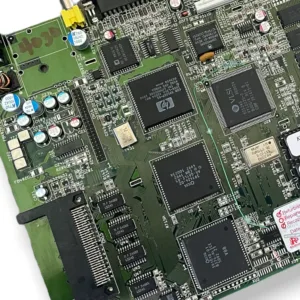
Amiga A1200 Motherboard Refurbished
Amiga A1200 motherboard fully refurbished (various motherboard revisions). Each A1200 motherboard is professionally refurbished, ultrasonic PCB cleaned and tested.